GraphQL と Vue.js で Craft CMS のデータを取り出して表示させてみる #craftcms
Gridsome でやってみようと思ったのだけど、そもそもGridsomeがわかってないのか、GraphQLがわかってないのか、その辺の切り分けができてないのでシンプルにVue.jsでやる方向で。
HeadLessCMS + GraphQL + Vue.js でSPA(ブログ)を作ってみる - Qiita
https://qiita.com/ryo2132/item…
を読んでやってみる
Vue CLI
https://cli.vuejs.org/
を参考にまずは
$ npm install -g @vue/cli

$ vue create vue-blog
ってやったところ
error Incorrect integrity when fetching from the cache
 ERROR  command failed: yarn --registry=https://registry.npm.taobao.org
こんな感じのエラーになったので以前も参考にさせてもらった
yarnのIncorrect integrity when fetching from the cacheではまった(初歩的?) - ulab
https://ulab.hatenablog.com/en…
を参考に
$ yarn cache dir

$ yarn cache clean

$ yarn cache dir
ってやった後で再度
$ vue create vue-blog問題なくできたっぽいので
$ cd vue-blog
$ yarn serve
無事立ち上がったようなので http://localhost:8080/ で確認できた。
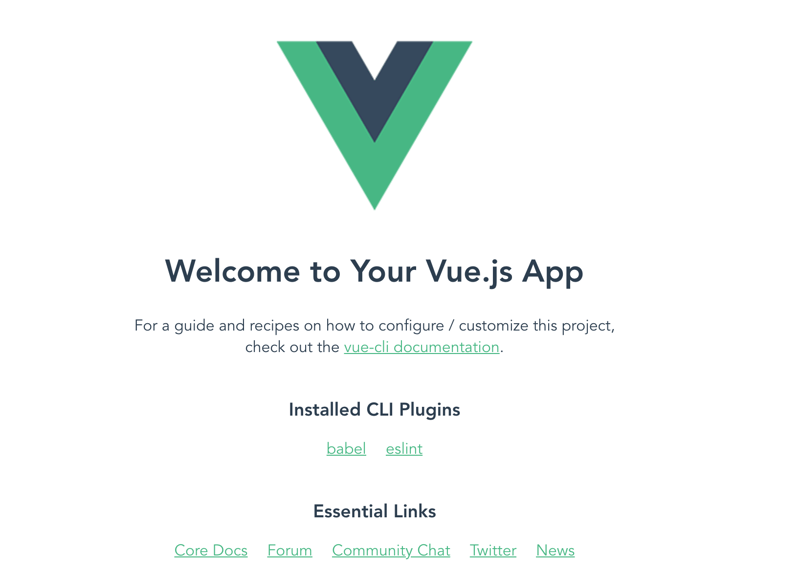
参考記事にあわせて vuetify を入れてみる
$ vue add vuetify
$ yarn serve
無事インストールできたっぽい
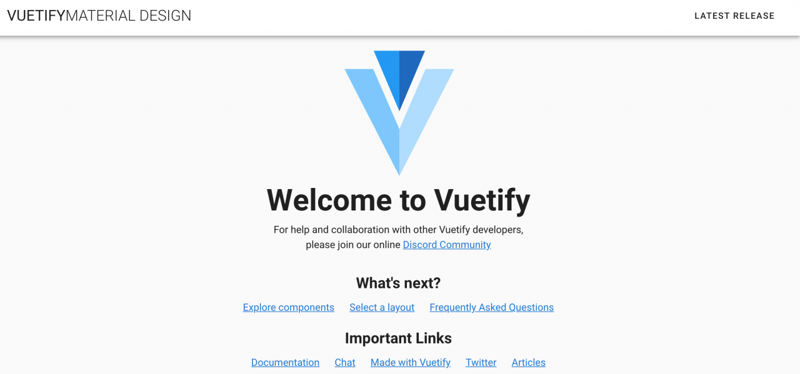
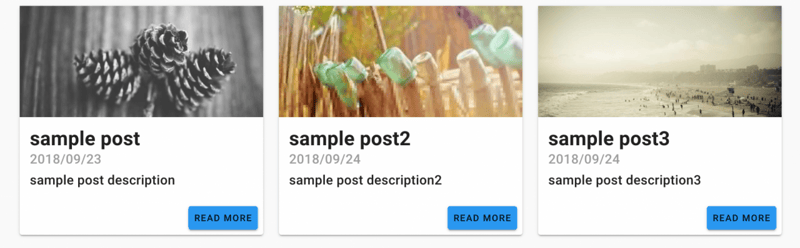
サンプルコードの通りにやって問題なく表示された
APIクライアント Apollo をインストールする
$ vue add apollo

? Add example code Yes
? Add a GraphQL API Server? Yes
? Enable automatic mocking? Yes
? Configure Apollo Engine? No
で立ててみた。
がエラーになった。
Running completion hooks... ERROR  Error: Command failed with exit code 2 (ENOENT): vue-cli-service apollo:schema:generate
spawn vue-cli-service ENOENT
もう一回やり直し。
$ vue add apollo

? Add example code Yes
? Add a GraphQL API Server? No
? Configure Apollo Engine? No
.env ファイルを作成して
VUE_APP_GRAPHQL_HTTP=http://example.com/apigraphql.js をこんな感じにして
import gql from 'graphql-tag'

// すべての投稿を取得
export const ALL_POSTS = gql`
    query{
      posts: entries {
        id
        title
      }
    }
`
ひとまずエントリが取得できた。
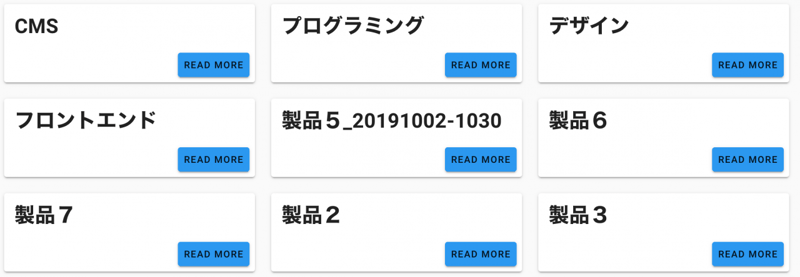
ルーティングの追加 vue-router
ルーティングを追加する
$ yarn add vue-routerこんな感じ↓で個別の情報は取り出せた。
<h1 class="mb-2 display-2 text-xs-center">{{ post[0].title }}</h1>
<p class="text-xs-center subheading">{{ post[0].slug }}</p>
post が配列だからこう↑やってるけど
<h1 class="mb-2 display-2 text-xs-center">{{ post.title }}</h1>
<p class="text-xs-center subheading">{{ post.slug }}</p>
1件かえってくるからこんなかんじ↑でとれないものかな。
// Query
query ($id: [Int]) {
    post: entries( id: $id ) {
      title
    	slug
    }
}

// Response
{
  "data": {
    "post": [
      {
        "title": "CMS",
        "slug": "cms"
      }
    ]
  }
}
expless のインストール
Node.jsの実行環境 expless をインストールする。
$ yarn add expressserver.js を作成する
一度
$ yarn buildしてから
$ yarn starthttp://localhost:5000/ でみることができた。
herokuにデプロイする
別に先日みたいにnetlifyでもいいのだけど記事のながれでそのまま。
// heroku CLI のインストール
$ brew tap heroku/brew && brew install heroku
gitignoreを編集して /dist を git 管理下に入れる
# /distgit 周りの設定とプロジェクトを作成してdeploy。
deployされたサイトをみる。
// git 設定
$ git init
$ git add .
$ git commit -m "init for heroku"

// プロジェクトを作成
$ heroku create mersydev-vueblog

// heroku へdeploy
$ git push heroku master

// サイトをみる
$ heroku open
問題なくdeployされた。
https://mersydev-vueblog.herok…
なるほどなー。
色々と基礎知識がなさすぎてあーだこーだ試行錯誤だった。